Hardware
Anchi Volume Remote
You control your music’s volume from wherever it’s most convenient. Your phone stays in your pocket.
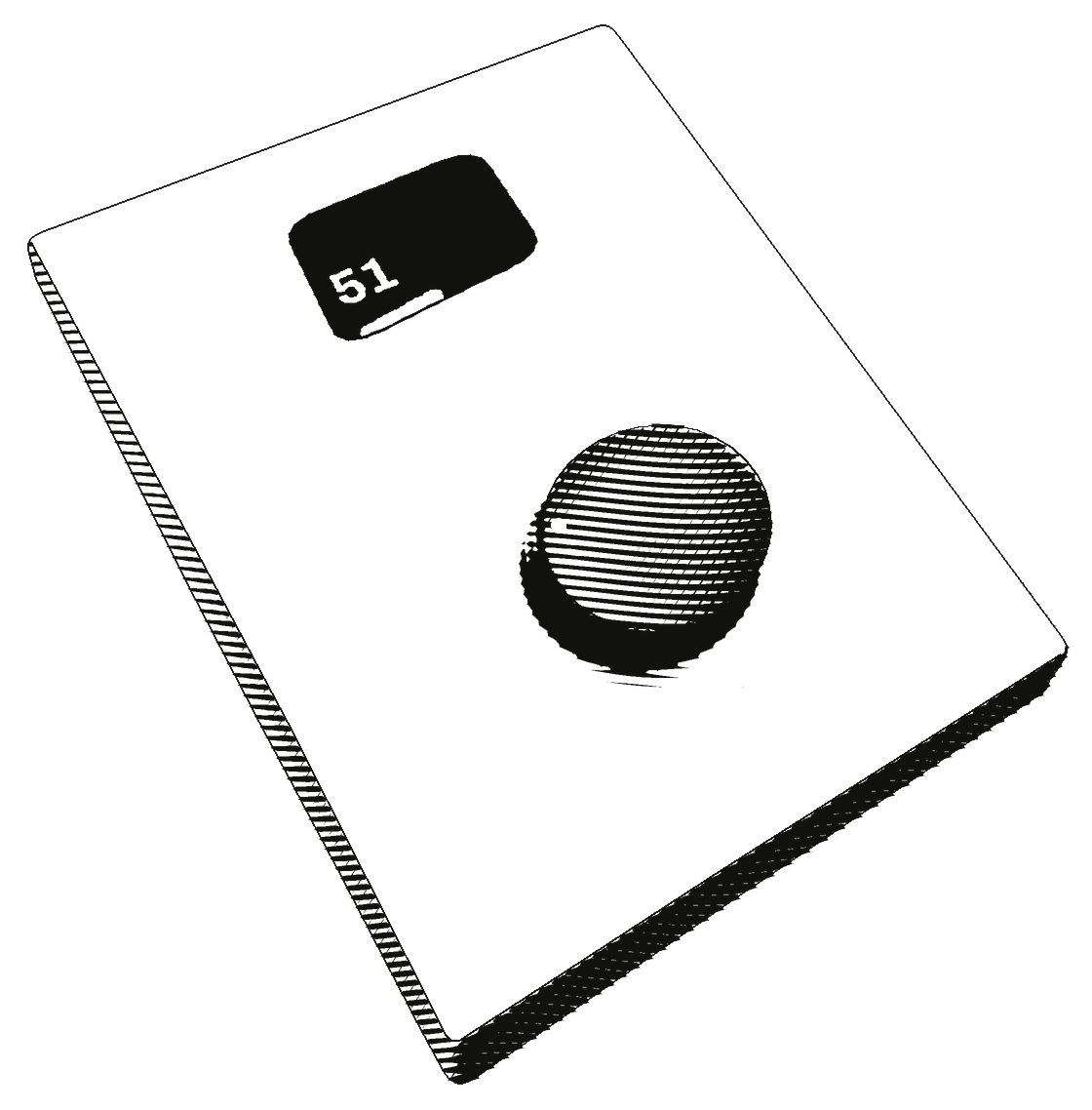
Built by hand, not yet for sale
I build each one by hand. Friends get the first ones. Write to me if you would like one of the next.
What you do with it
Turn the dial and the music gets louder or softer; tap the dial to pause. You see what’s playing on its small screen.
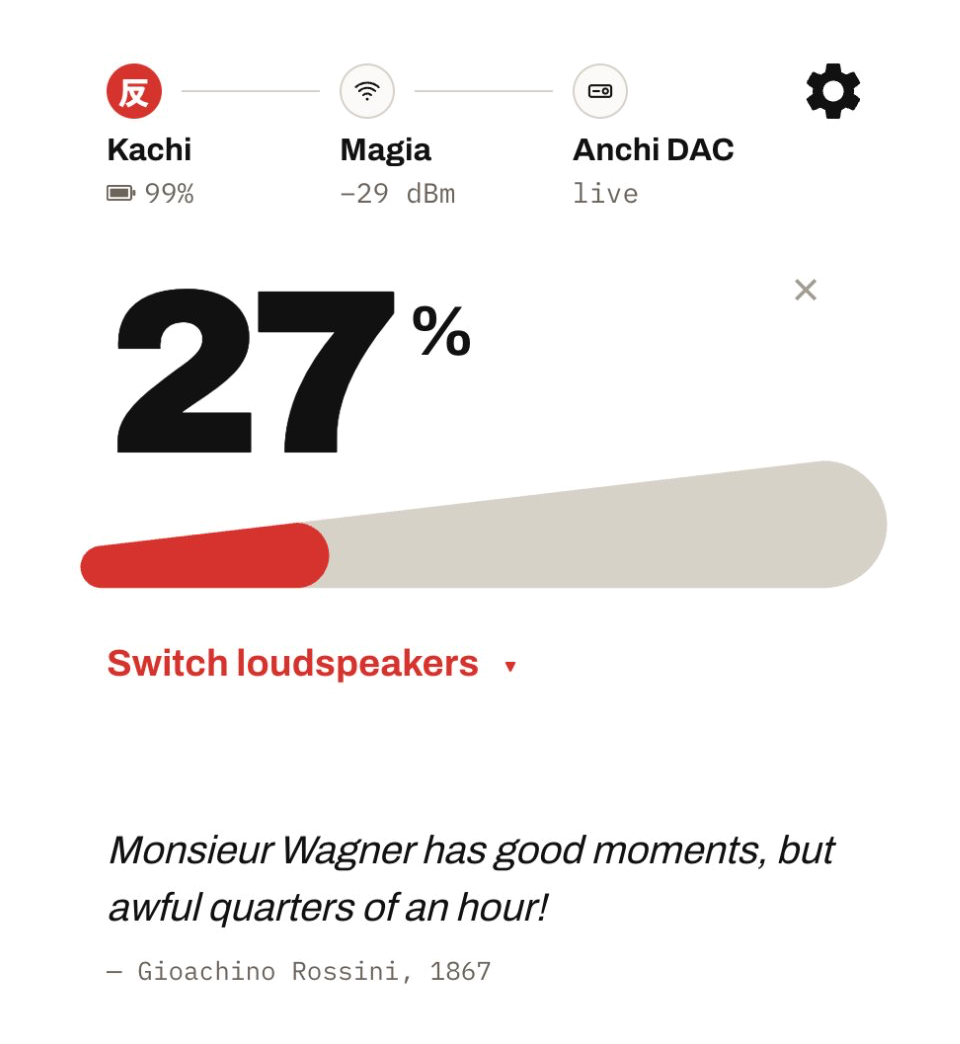
You use it over your home Wi‑Fi, with the loudspeakers you already have:
- Google Nest and Chromecast
- Sonos
- HomePod
- WiiM
- Bluetooth for a phone, a laptop or an Apple TV
- Anchi DAC on your Mac
No app, no account, no microphone. You need your phone once, for about five minutes, to set it up. After that the phone is off duty until you want to control a different loudspeaker.
Why I made this
We always play music at dinner. My partner has misophonia: the sound of crunching distracts and upsets her. Music is our soundtrack, and it covers the crunch.
But the music would often drown out the conversation, so one of us would reach for a phone to turn it down. That broke our flow. And once a phone is in your hand, something else on it can take the rest of the evening.
We needed a simple way to change the volume without losing our focus on each other.
Charles Warren, San Francisco · more about why
Already have one?
Getting started, what’s new and fixing it with a cable are on the help page.